
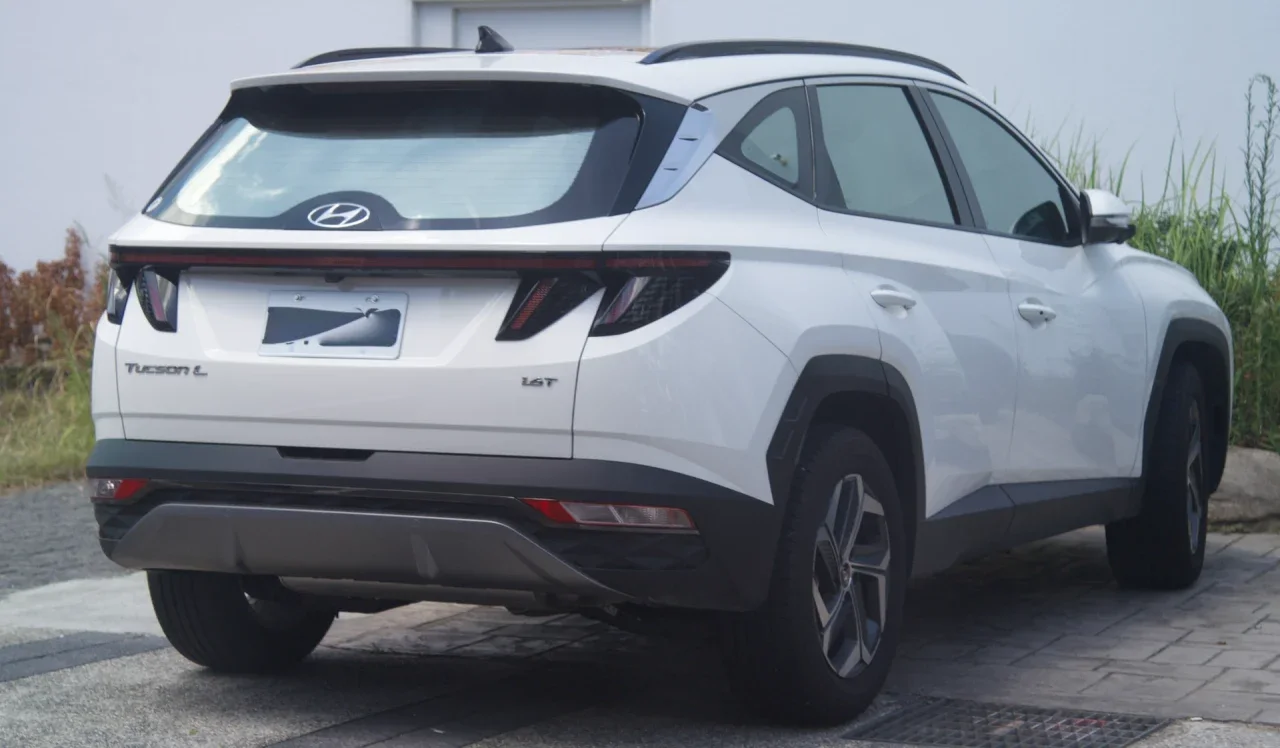
2022 Hyundai Tucson SEL
Santa Tecla, La Libertad
Automatic · 5 seats
$49 per day
Peer-to-peer car rental
Choose where you are starting, when you need it, and how much room you need. Compare cars by area before you send a request.
Locations are shown approximately to protect owners.
Peer-to-peer car rental
Search by location and dates. Compare cars from local owners and choose the one that fits your plans.
Cars available near you
Santa Tecla, La Libertad
Automatic · 5 seats
$49 per day
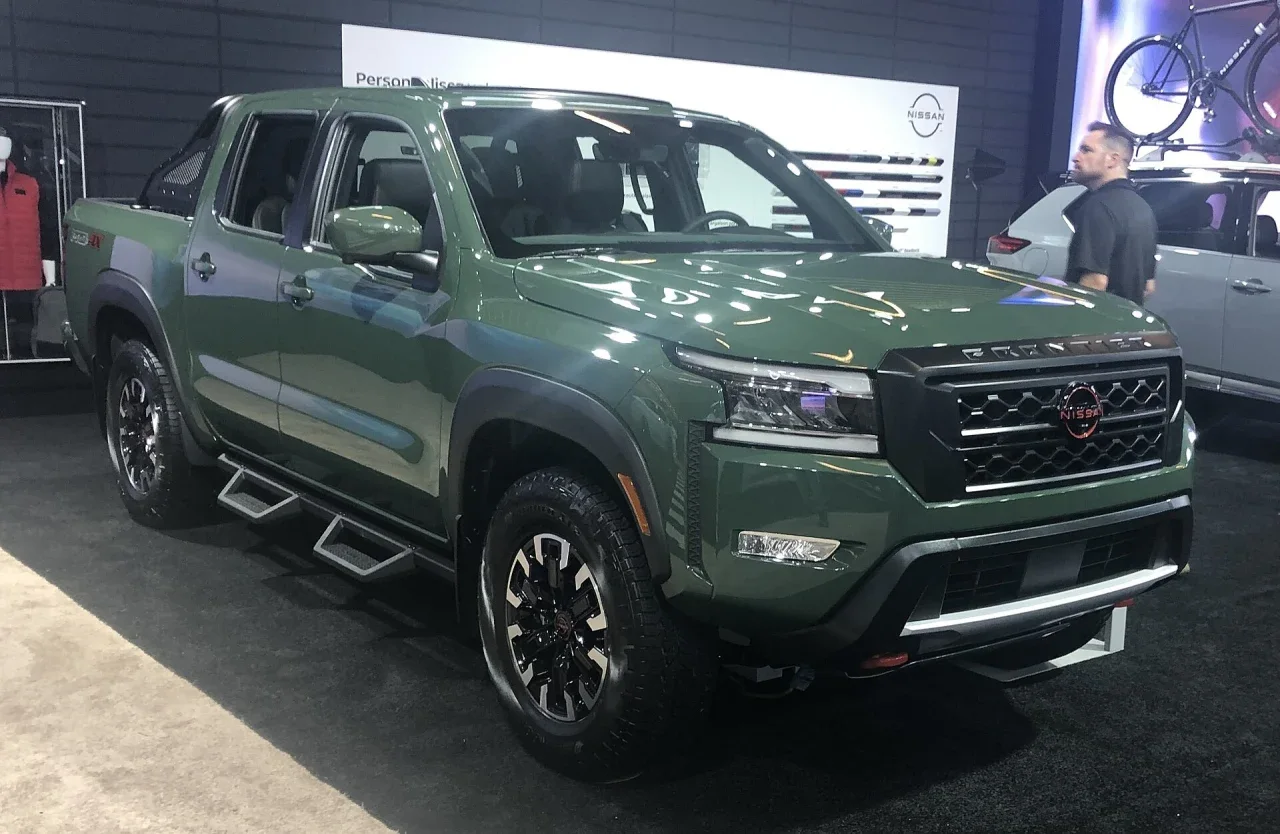
La Libertad Costa, La Libertad
Manual · 5 seats
$64 per day
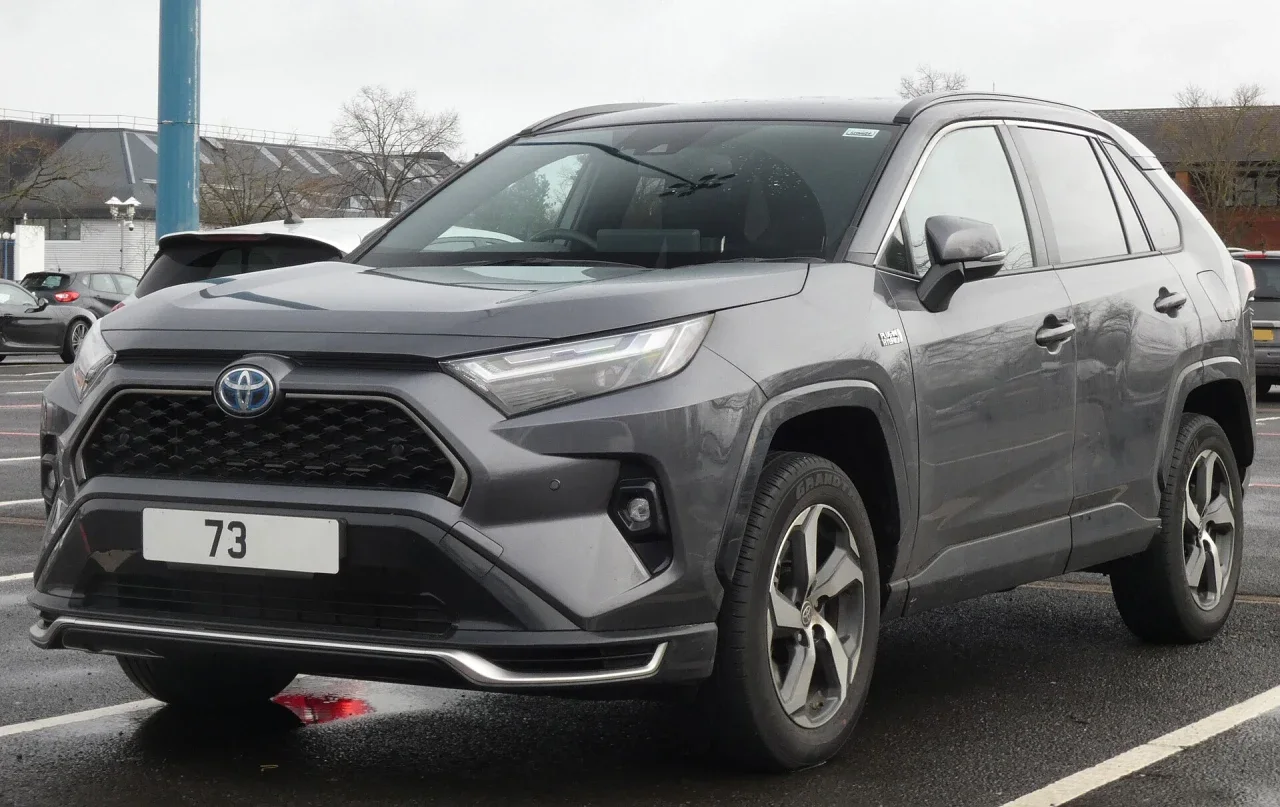
San Salvador Centro, San Salvador
Automatic · 5 seats
$55 per day
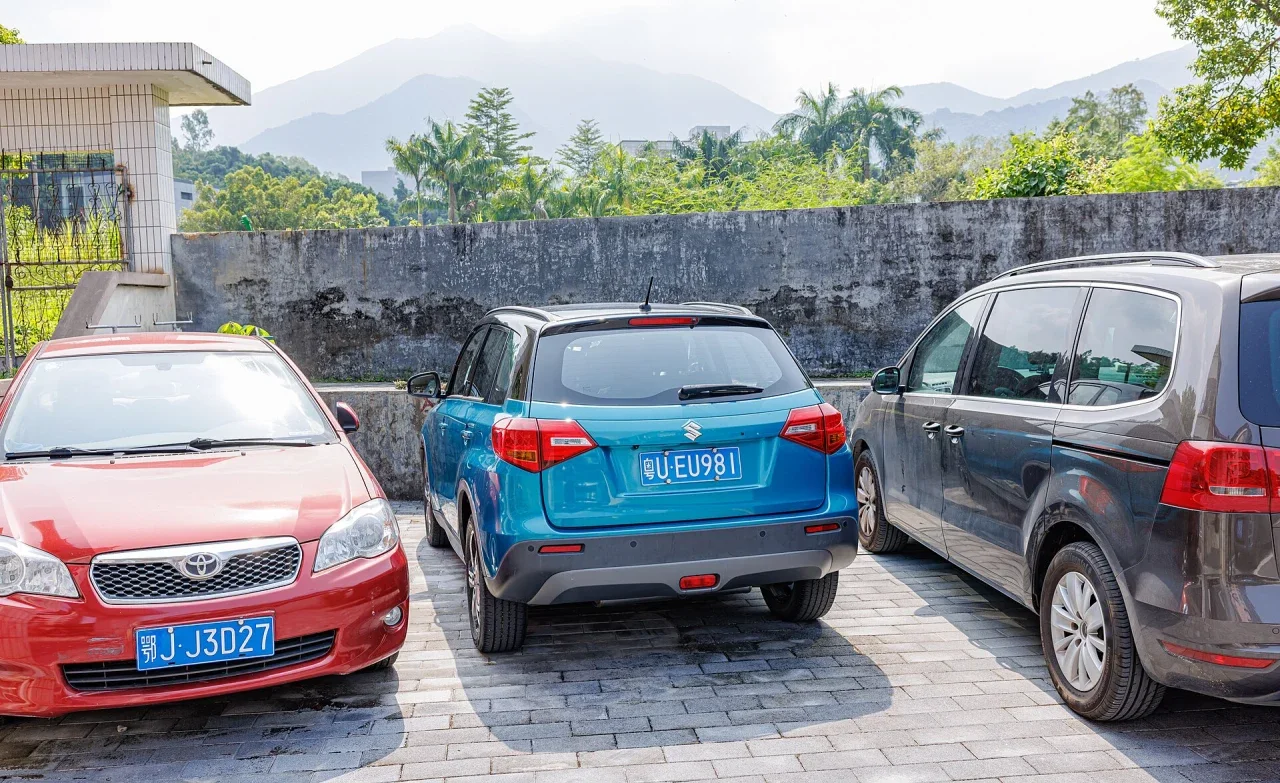
Sonsonate Centro, Sonsonate
Automatic · 5 seats
$44 per day
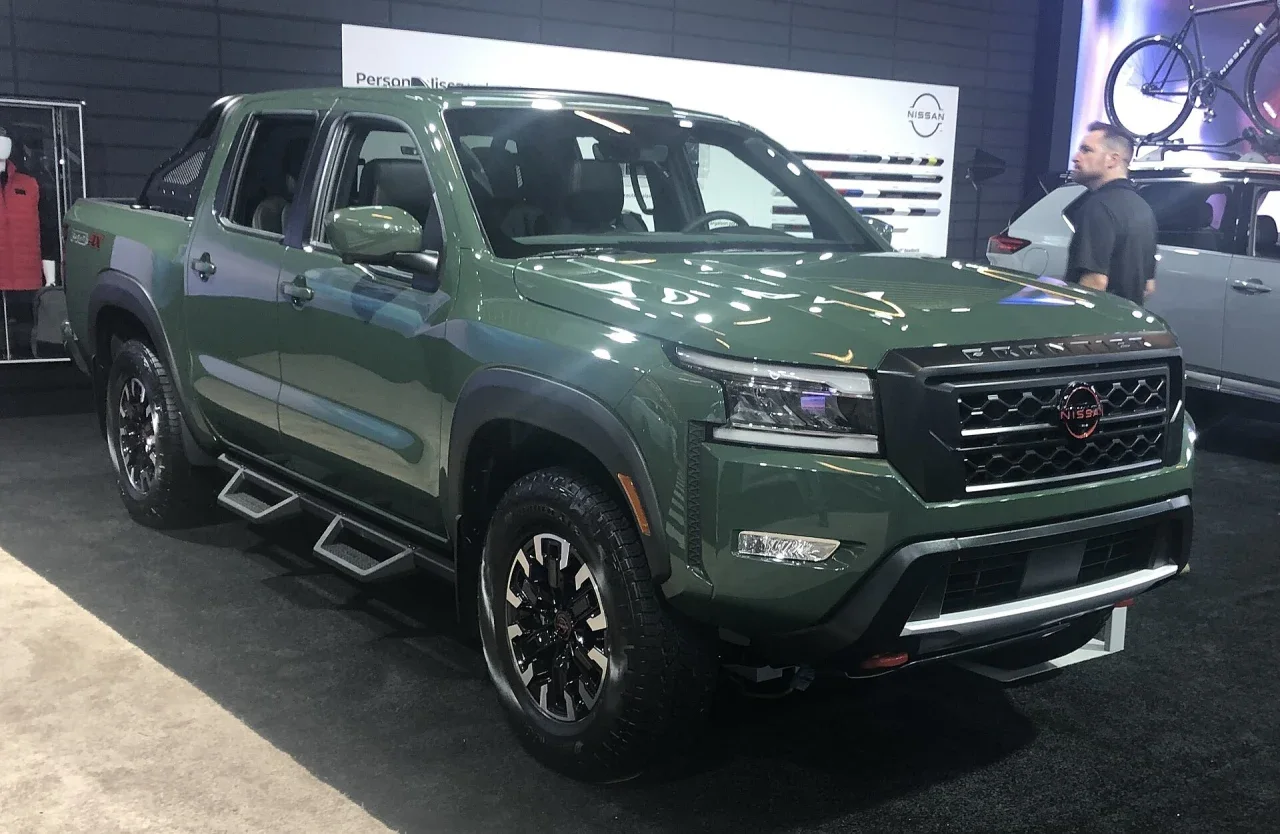
La Libertad Costa, La Libertad
Manual · 5 seats
$61 per day
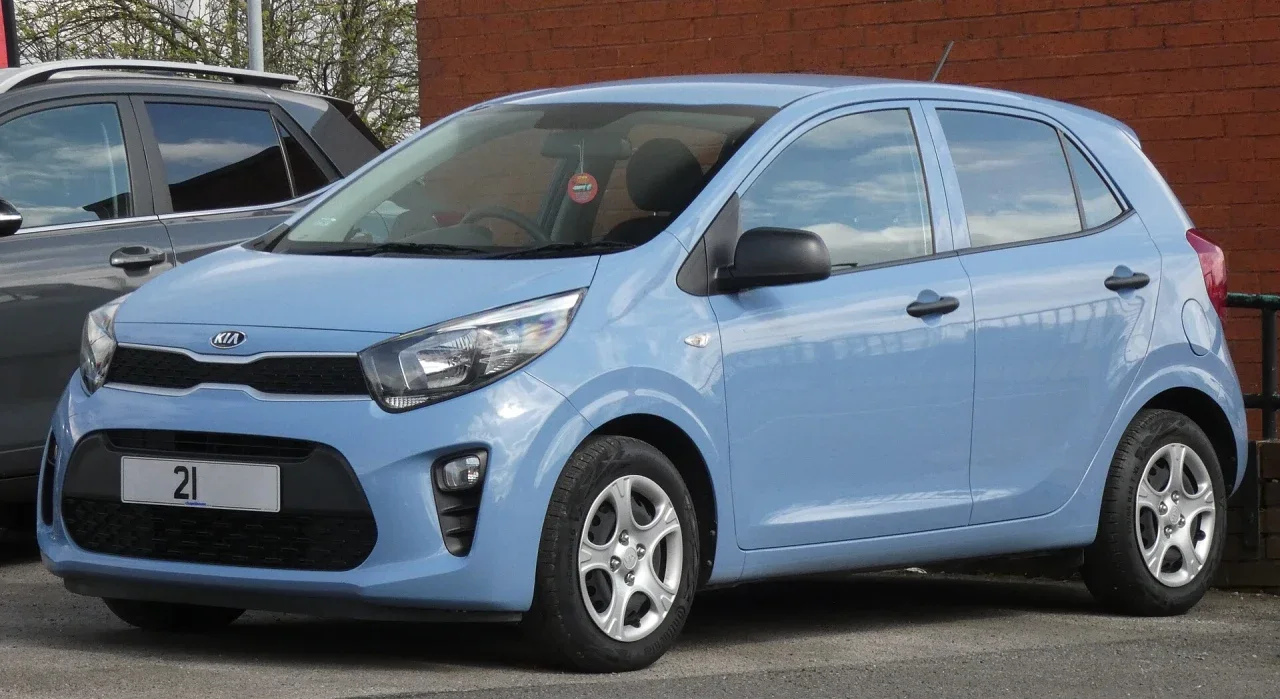
Santa Ana Centro, Santa Ana
Automatic · 5 seats
$31 per day
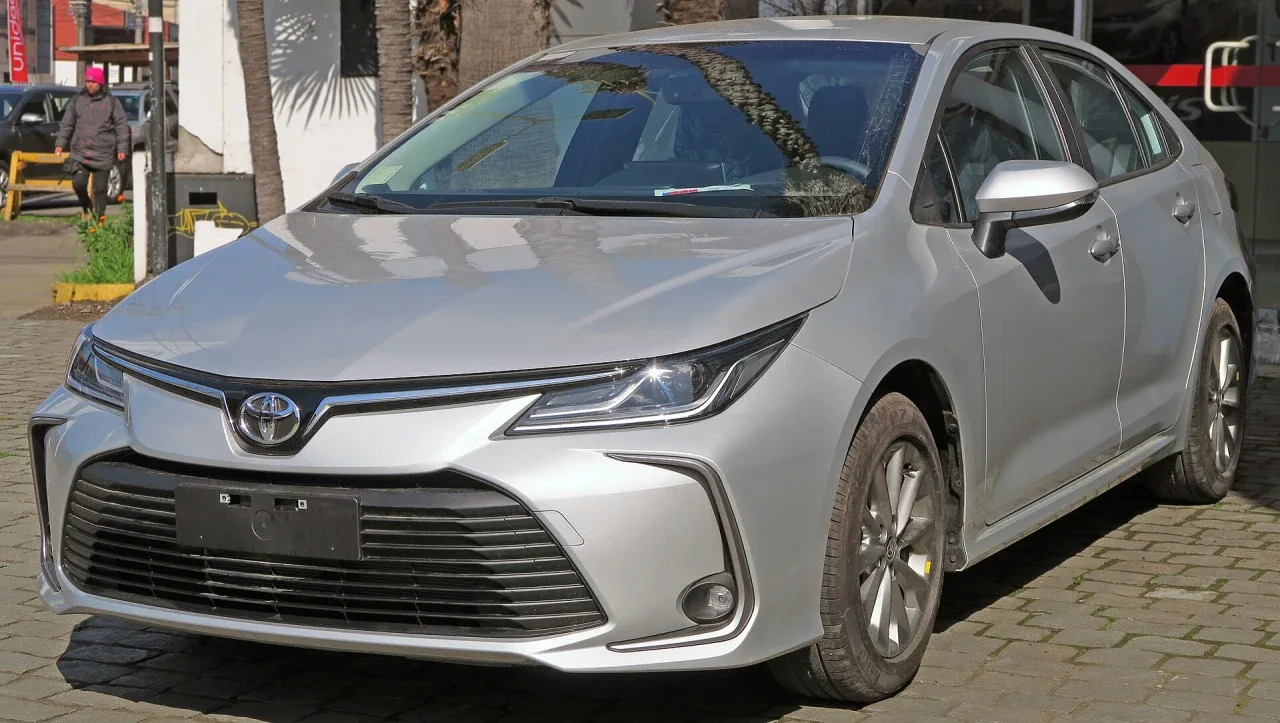
San Miguel Centro, San Miguel
Automatic · 5 seats
$39 per day
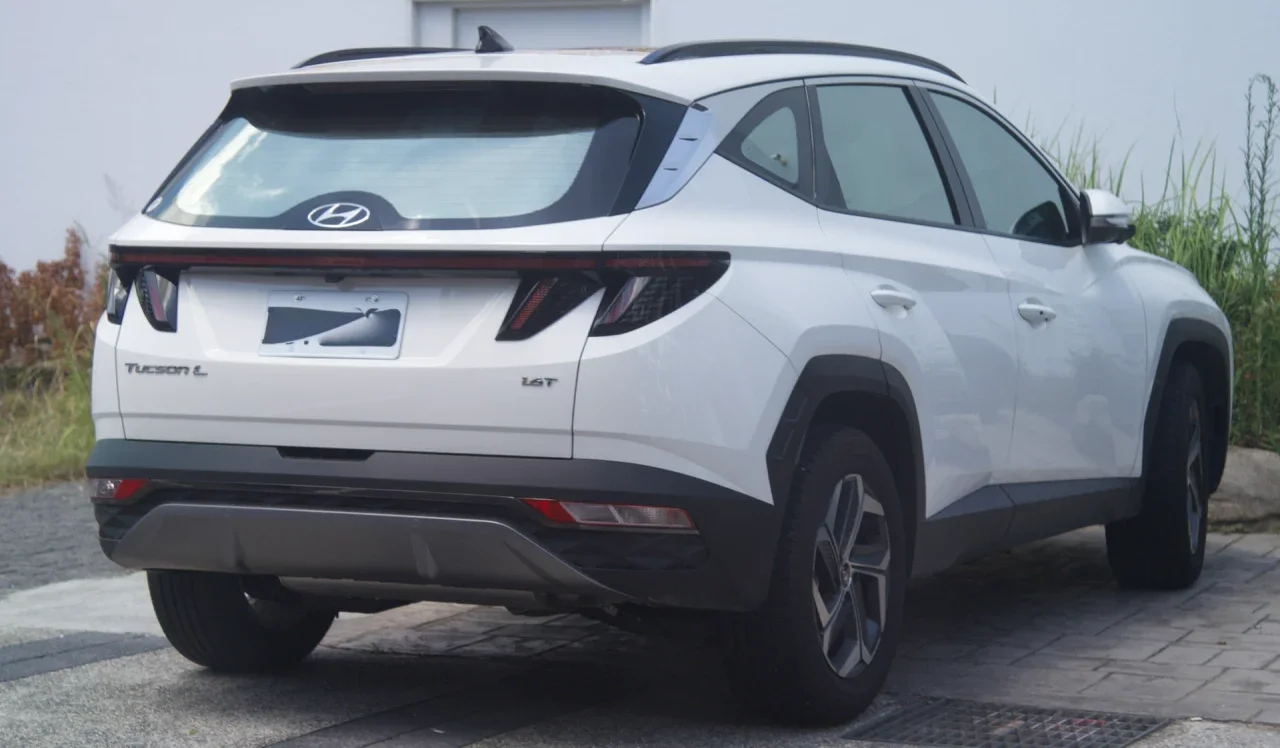
Santa Tecla, La Libertad
Automatic · 5 seats
$47 per day
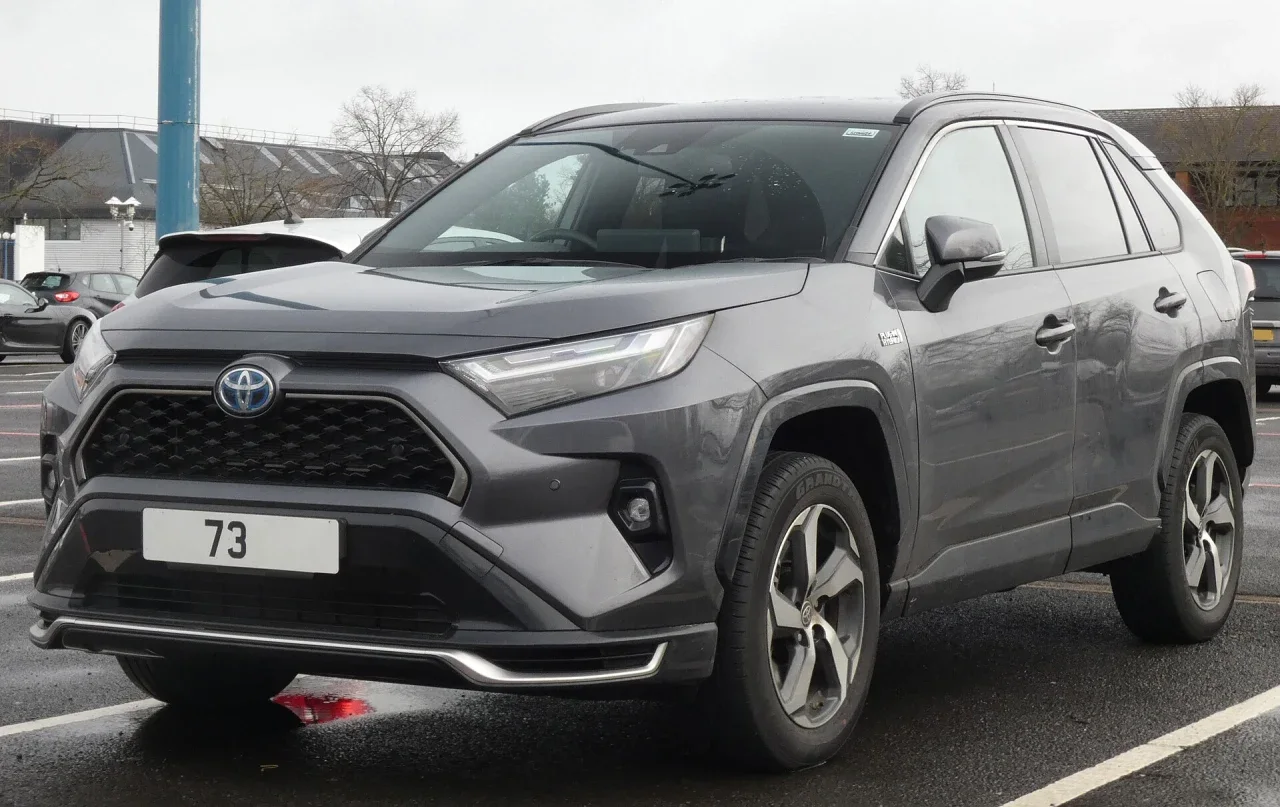
San Salvador Centro, San Salvador
Automatic · 5 seats
$52 per day
IR on your phone
Search, compare, and keep your trip moving on the web or in the app.
See the appsAndroid
Download IR from ir.sv to browse cars, read messages, and manage bookings.
iPhone
Download IR SV from the App Store to browse cars, read messages, and manage bookings on iPhone.
Compare by area, dates, transmission, and space to find the car that suits your plans.
Choose the car that fits your route and everyone traveling with you.
Search by municipality, dates, and features without waiting at a rental counter.
Share a local option so your guests can explore the country with more freedom.
Choose a municipality, dates, and the details you need.
Review photos, description, price, and approximate location.
Sign in, complete payment, and send your request. Then follow the trip from your account.
For owners
Build a complete listing, set availability, and receive requests in one place.
IR
Each listing brings together photos, daily price, vehicle details, and an approximate area. Owners manage availability and requests from their account.
Search, review details, request dates, and keep track of your booking.
Manage vehicles, availability, and requests with clarity.
Yes. You can explore cars and compare details. You need an account to send a booking request.
No. We show an approximate municipality-level point to protect the owner’s privacy.
Create an account, enable owner mode, and complete your vehicle details to send it for review.
After signing in, you will find requests and bookings in the Bookings section.
Find a car near your starting point or prepare yours for review.